Approvals built in
Plans, pushes, merge request creation and configuration changes wait for a person. Claude can never merge, approve or force-push.
Pick the tickets — or simply describe the change. Claude finds the code, writes a plan you approve, builds it stage by stage across your repositories, opens the merge requests and writes the documentation. Nothing is pushed or merged without your team.
Free for 30 days, then a simple subscription per organisation.
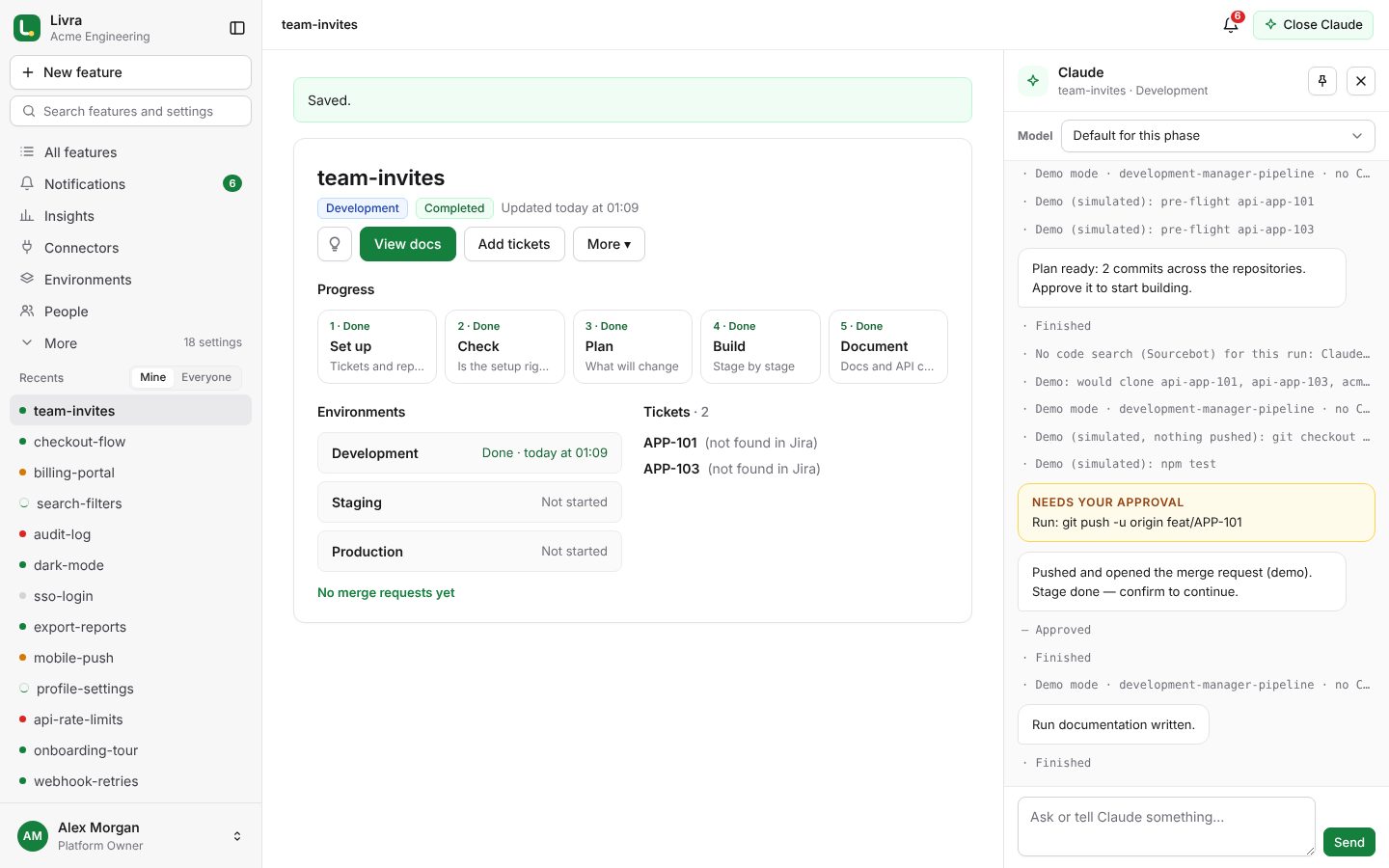
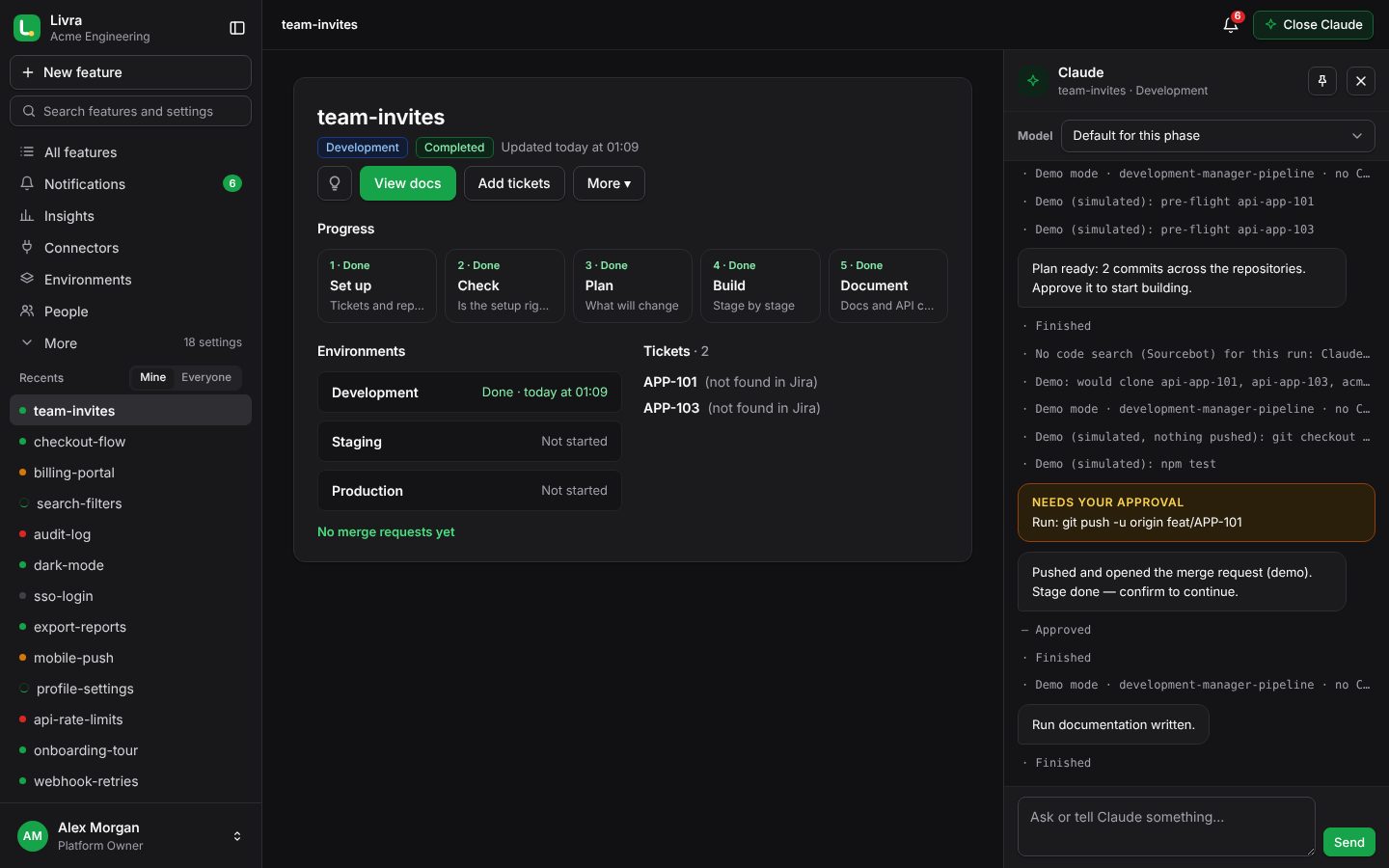
A guided tour: a feature from tickets or a plain description to merged code, code review and merging, an organisation’s people and roles, and a freelancer’s own workspace.
Every feature moves through the same steps. Claude does the work; you approve what matters.
Pick the Jira tickets, or describe the change in your own words. Claude finds the repositories and branches it touches.
Claude checks the branches, the layers and the setup before anything changes.
You read exactly what will change, repository by repository, and approve it.
Claude builds stage by stage and opens merge requests. You confirm every push.
Run documentation, reports and API collections are written for you.
Claude learns where each ticket lives — libraries, APIs, gateways, front ends — and builds in the right order: shared code first, then the services that use it. Each stage opens its merge requests and waits for you.
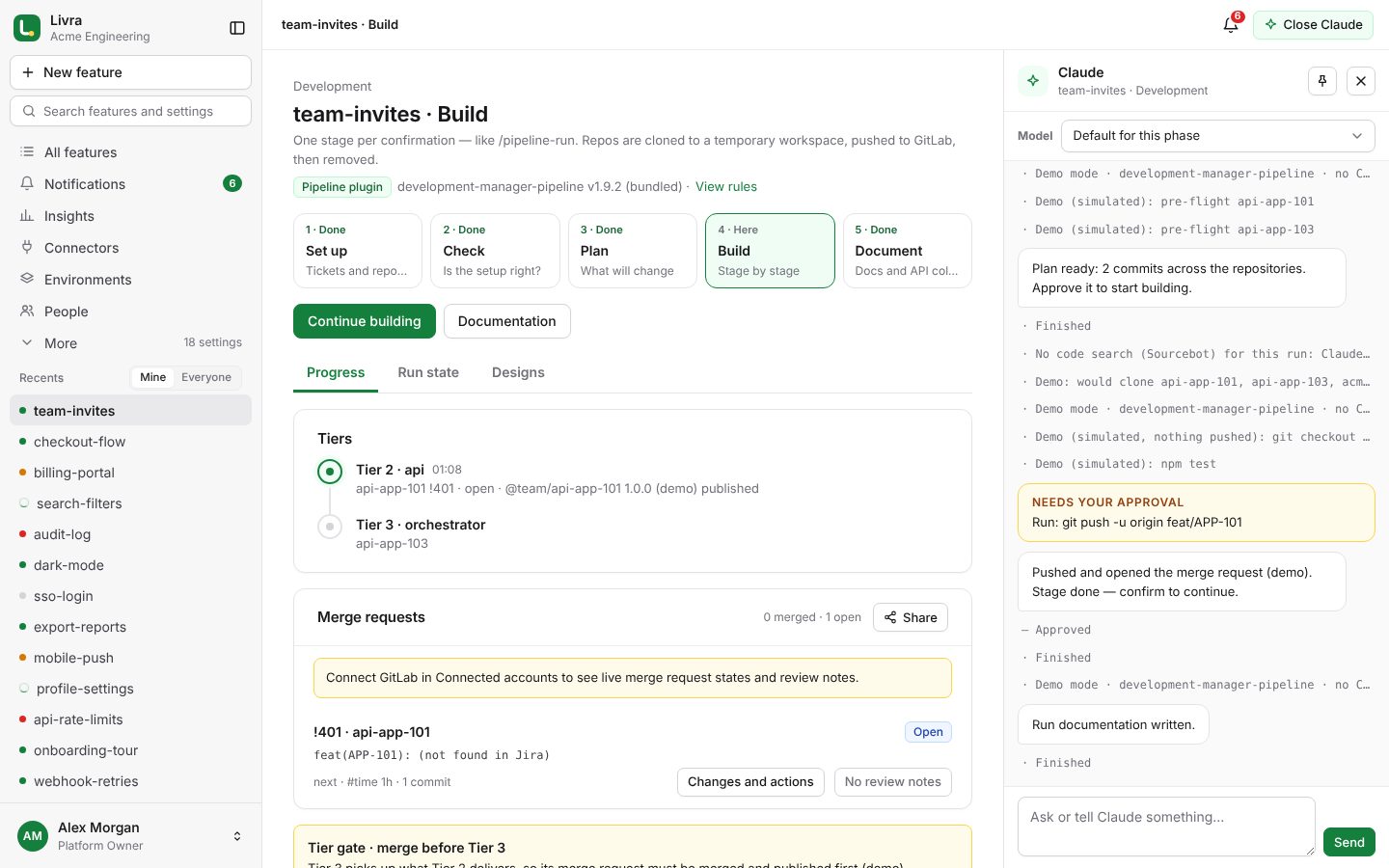
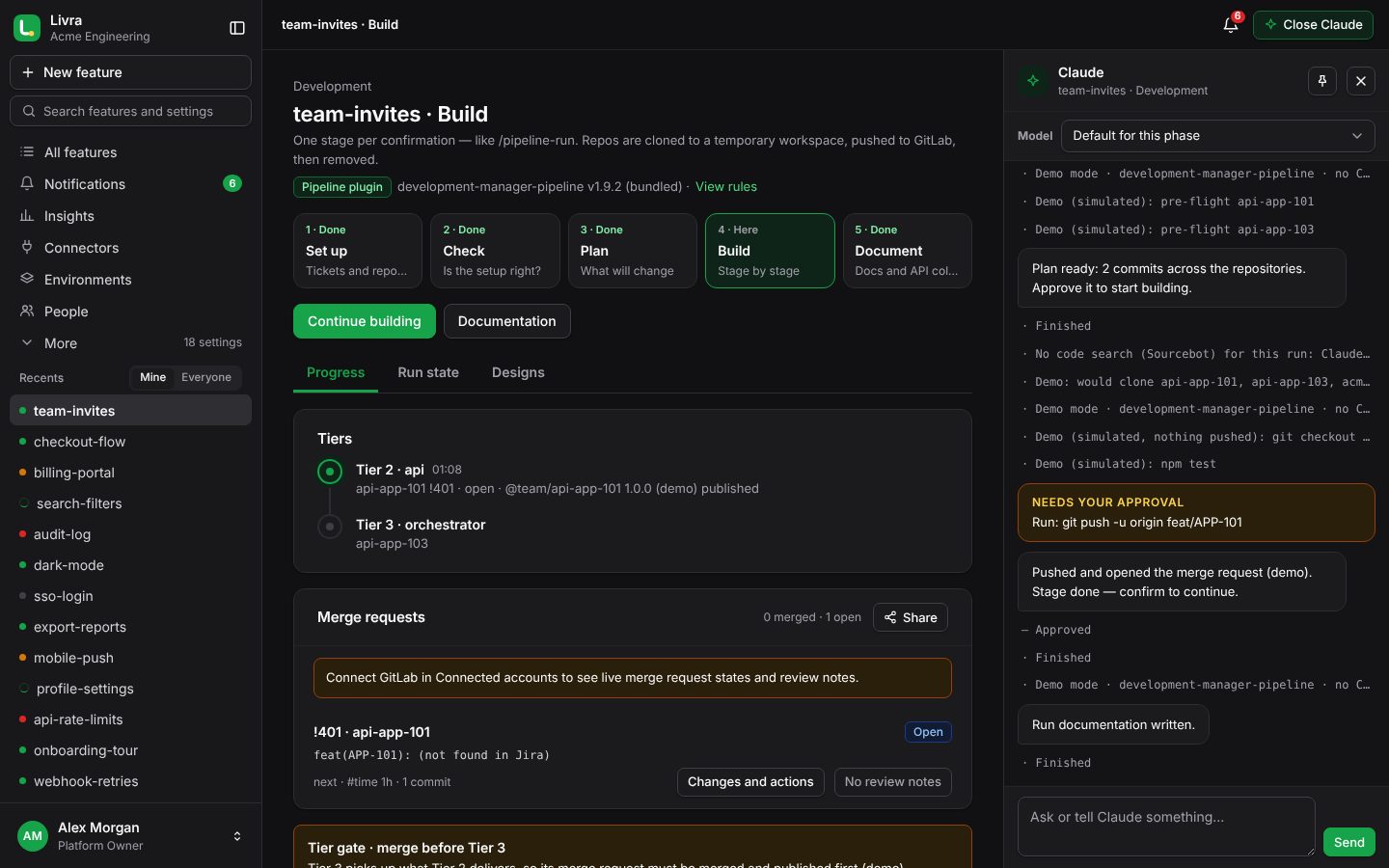
Plans, pushes, merge request creation and configuration changes wait for a person. Claude can never merge, approve or force-push.
Your Anthropic API key, Amazon Bedrock, Google Vertex AI, Microsoft Foundry or your company’s LLM gateway — or prepaid Livra Claude credit, with no account to set up.
The pipeline’s rules are yours to edit. Claude can learn your architecture from your repositories and propose new rules for you to review.
Each organisation has its own people, Claude account, connectors, rules, environments and budget. Owner, admin and member roles are checked on every action.
When Claude needs you, a step is done or something fails: in the app, by web push on any device, on WhatsApp, or in your team’s Slack, Microsoft Teams or Google Chat channels.
Lead time, success rate and Claude’s cost per feature, with this month’s budget forecast — so you see delivery improve and spending coming.
Sign in with Okta, Microsoft Entra ID, Google Workspace or any OpenID Connect or SAML provider. People join and leave through SCIM.
Claude reviews merge requests and fixes failed pipelines when you ask; a second approval for sensitive environments; release notes when everything is merged.
No Jira or Linear? Write what should change, with its Figma links or design images. Claude finds where the code lives and carries on; add another description later and pick which ones each run works on.
Work on your own, outside any organisation, at freelancer prices: your GitLab, code search and Claude in your own workspace. Review and merge with your own GitLab access.
The whole app, its emails and notifications, in each person’s language. Help and the Academy too.
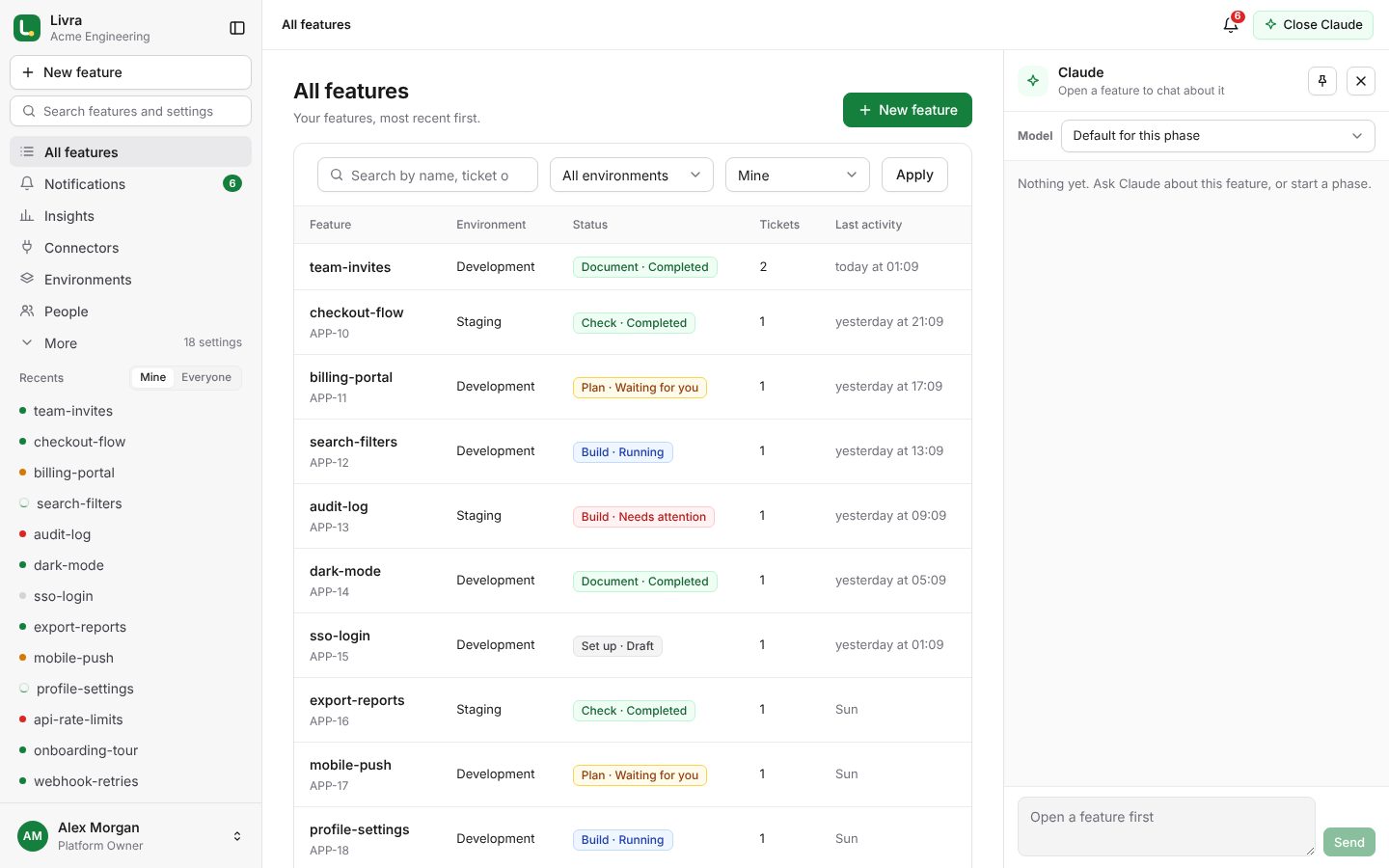
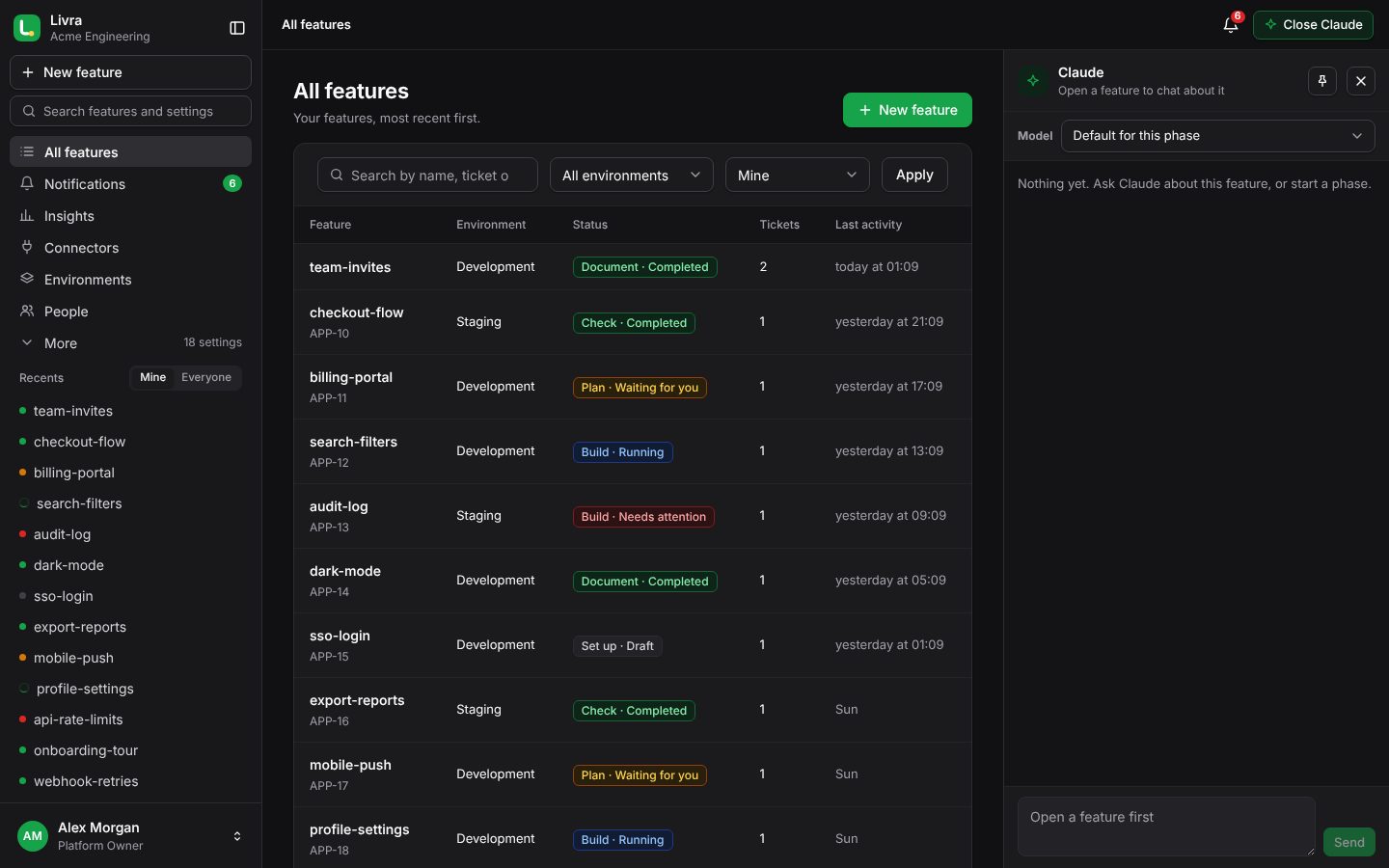
Start a feature from its tickets, follow Claude live, answer its questions, approve each push and review the merge requests without leaving the app.
See every feature’s phase and status, set budgets and models, decide who may merge, and fit the rules to your architecture.
Your own workspace: connect your GitLab and code search, set up your Claude account, and review and merge with your own GitLab access. Join a client’s organisation when it invites you.
Invite your people or provision them with SCIM, connect your code host and tracker, choose your Claude account and budget, and pay by card, PayPal or mobile money.
Short lessons for developers, admins and owners — from your first feature to fitting the rules to your code.
Start learningA 30-minute demo with your Jira and GitLab, or bring your whole organisation onto the platform.