Skip to content
Product

From Jira tickets — or a plain description — to merged code and documentation

Livra runs Claude on your repositories through a pipeline your team controls: every feature has a plan, stages, approvals, merge requests and a record of what happened.
Plays from YouTube, which may set cookies once you press play. Watch on YouTube
Plan

A plan you can read before anything changes

Claude reads the tickets, finds the repositories and branches, checks the setup and writes what it will change — grouped by repository and stage, with the reason for each change. You approve it, or ask Claude to change it in the chat.
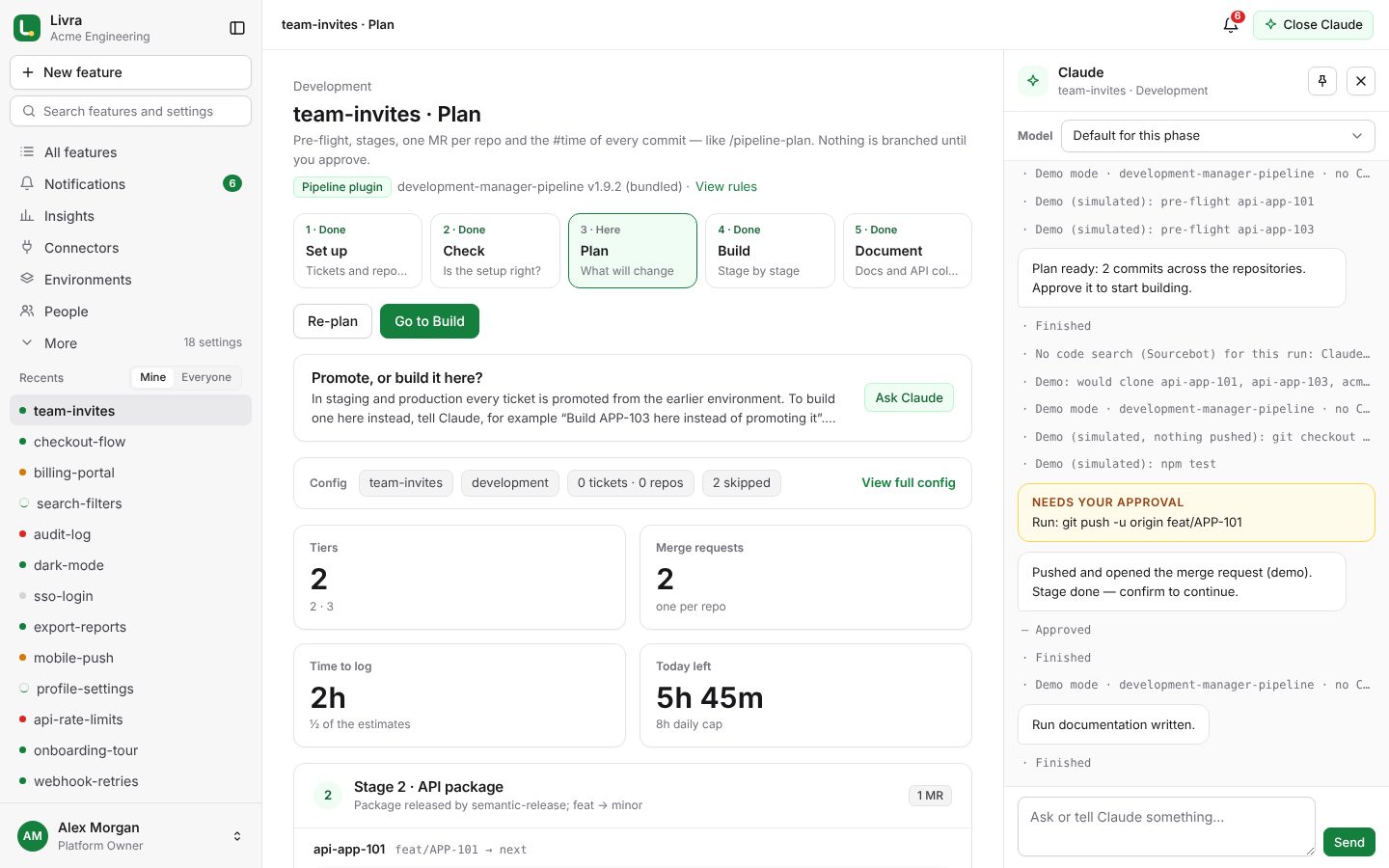
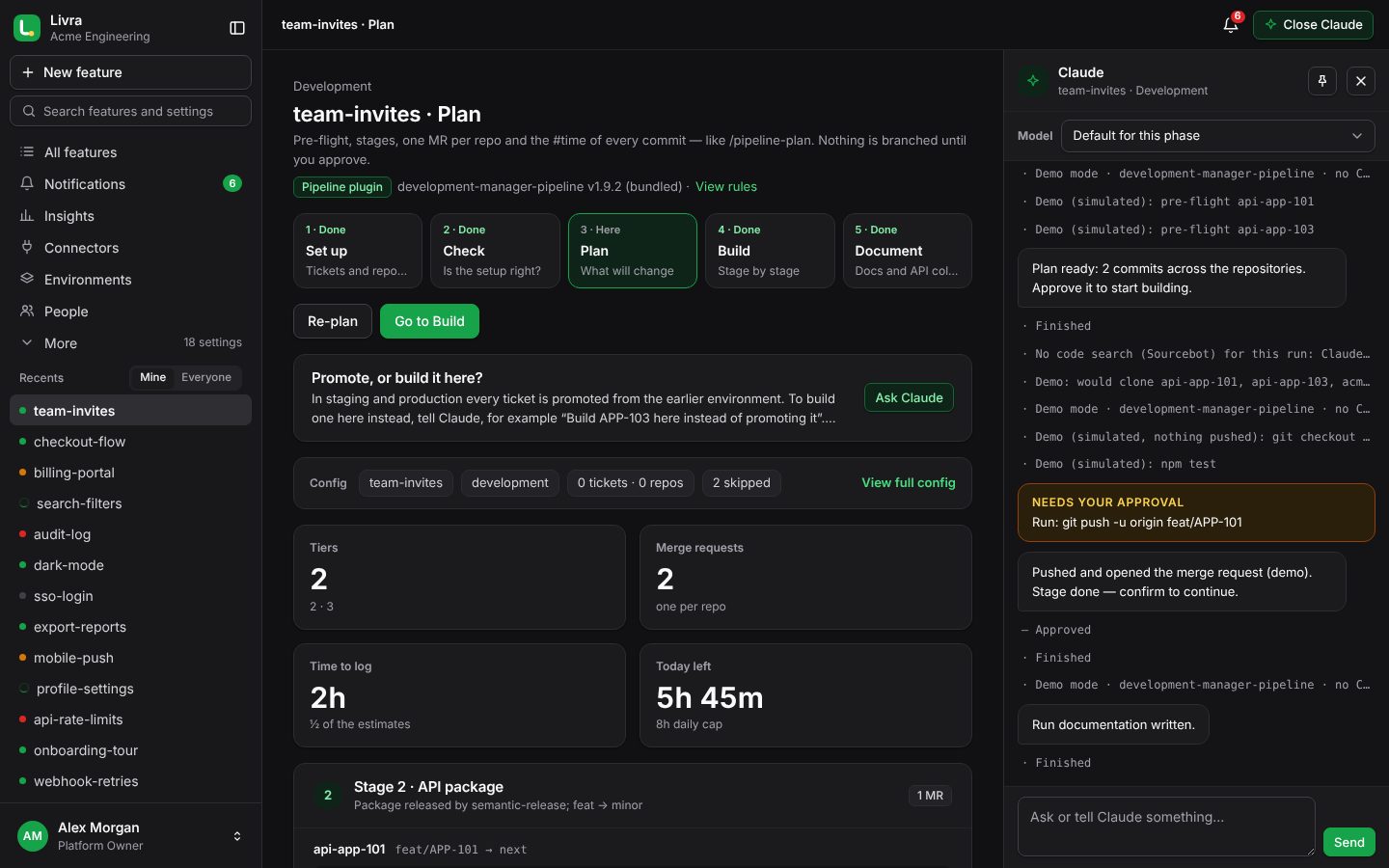
  • Repositories found with Sourcebot, or by reading your GitLab
  • Questions when something is unclear: which repository, which branch
  • A history of every version of the setup
A plan you can read before anything changes A plan you can read before anything changes
Build

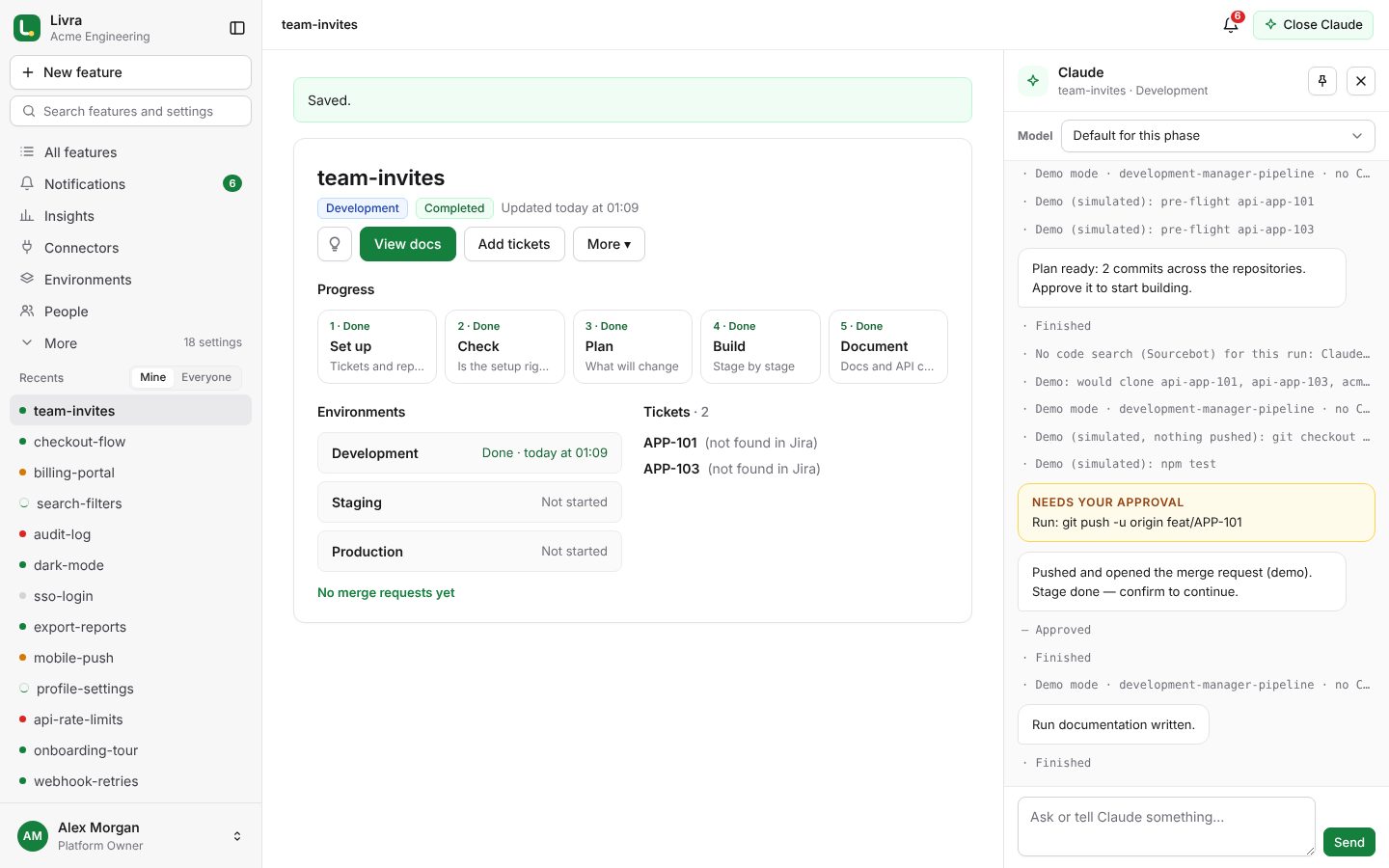
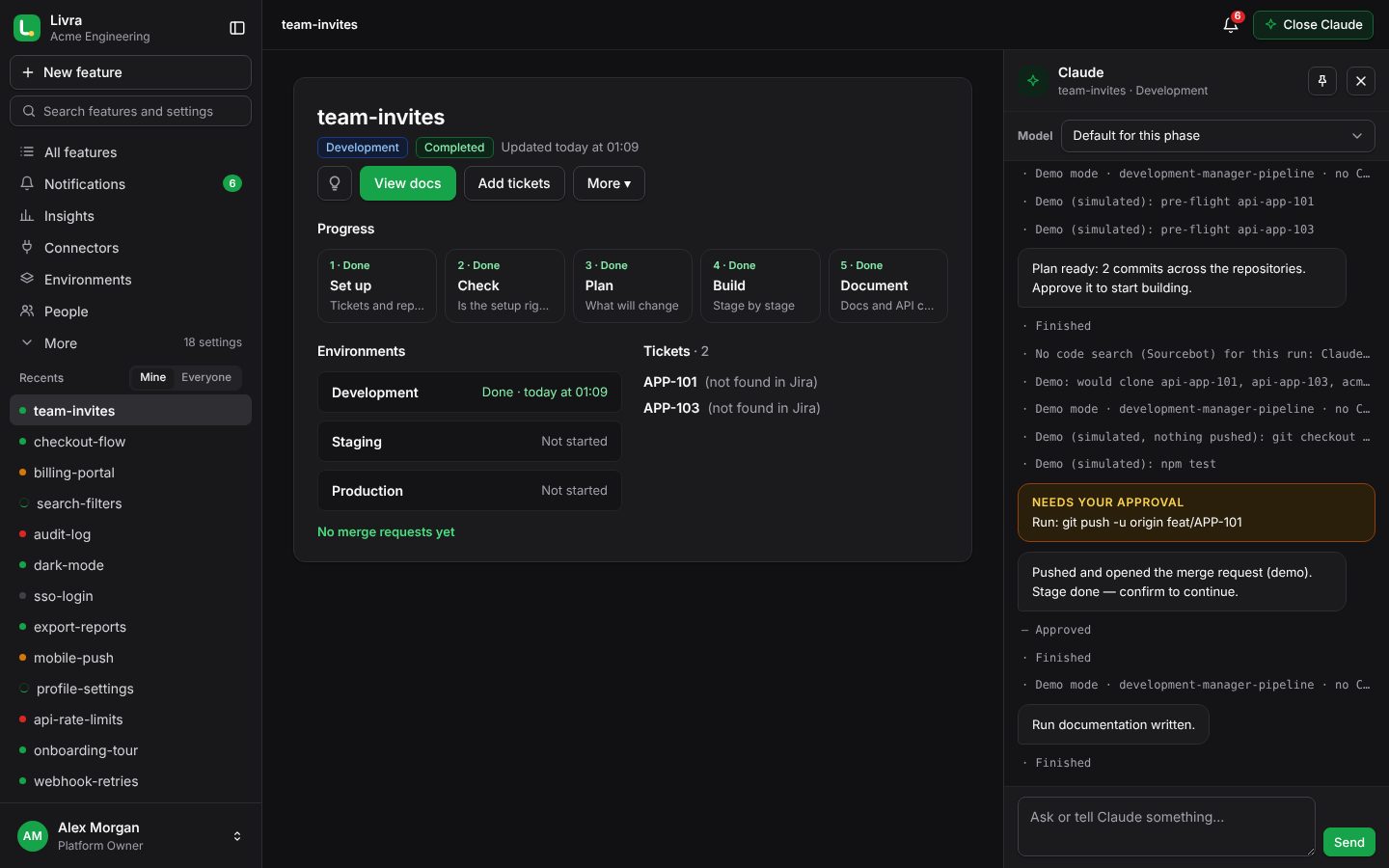
Built stage by stage, pushed only with your approval

Claude builds in dependency order — shared libraries, then APIs and gateways, then front ends — in temporary workspaces. Each push and each merge request waits for a person; the merge request page shows the changes, the pipeline and the approvals.
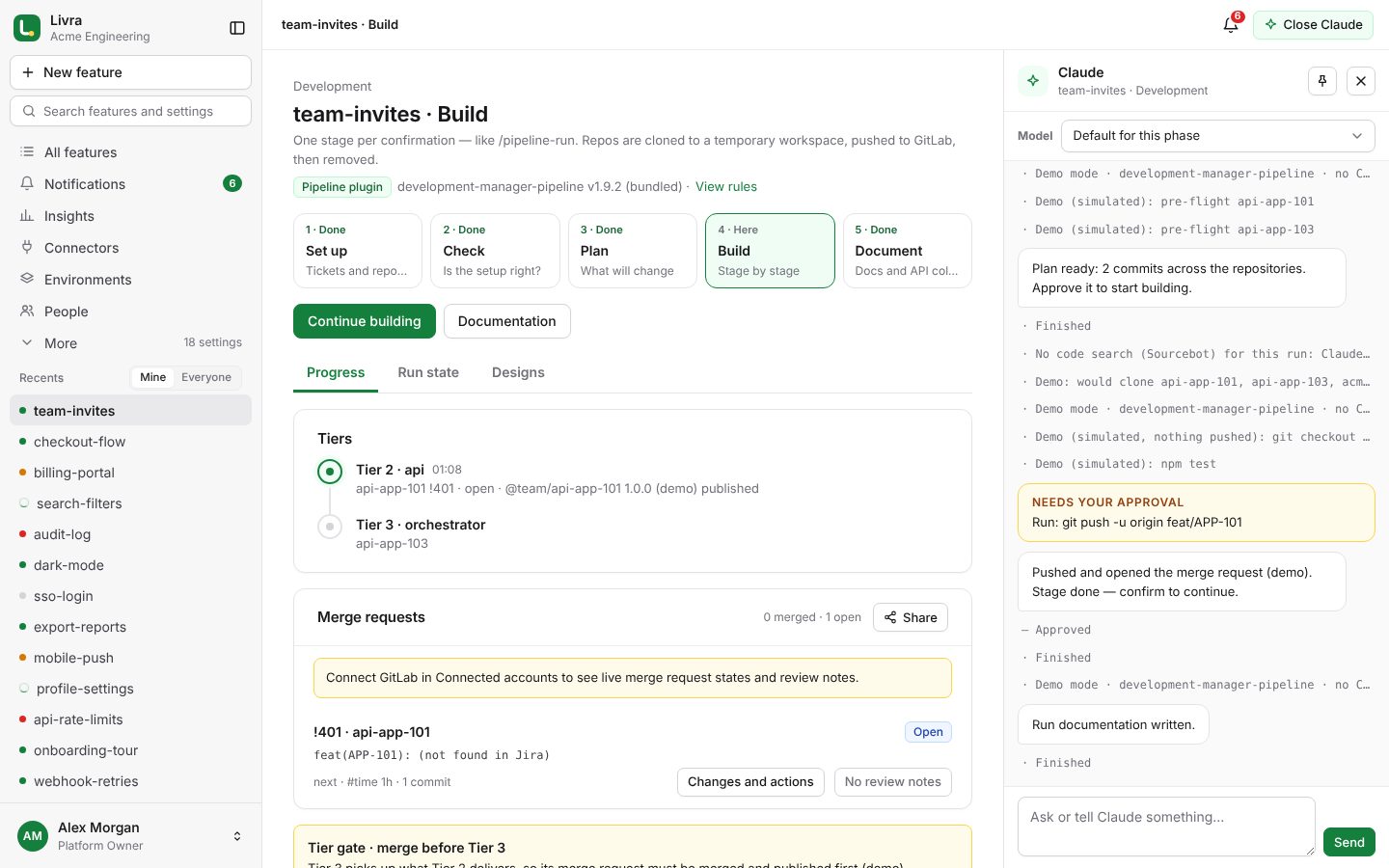
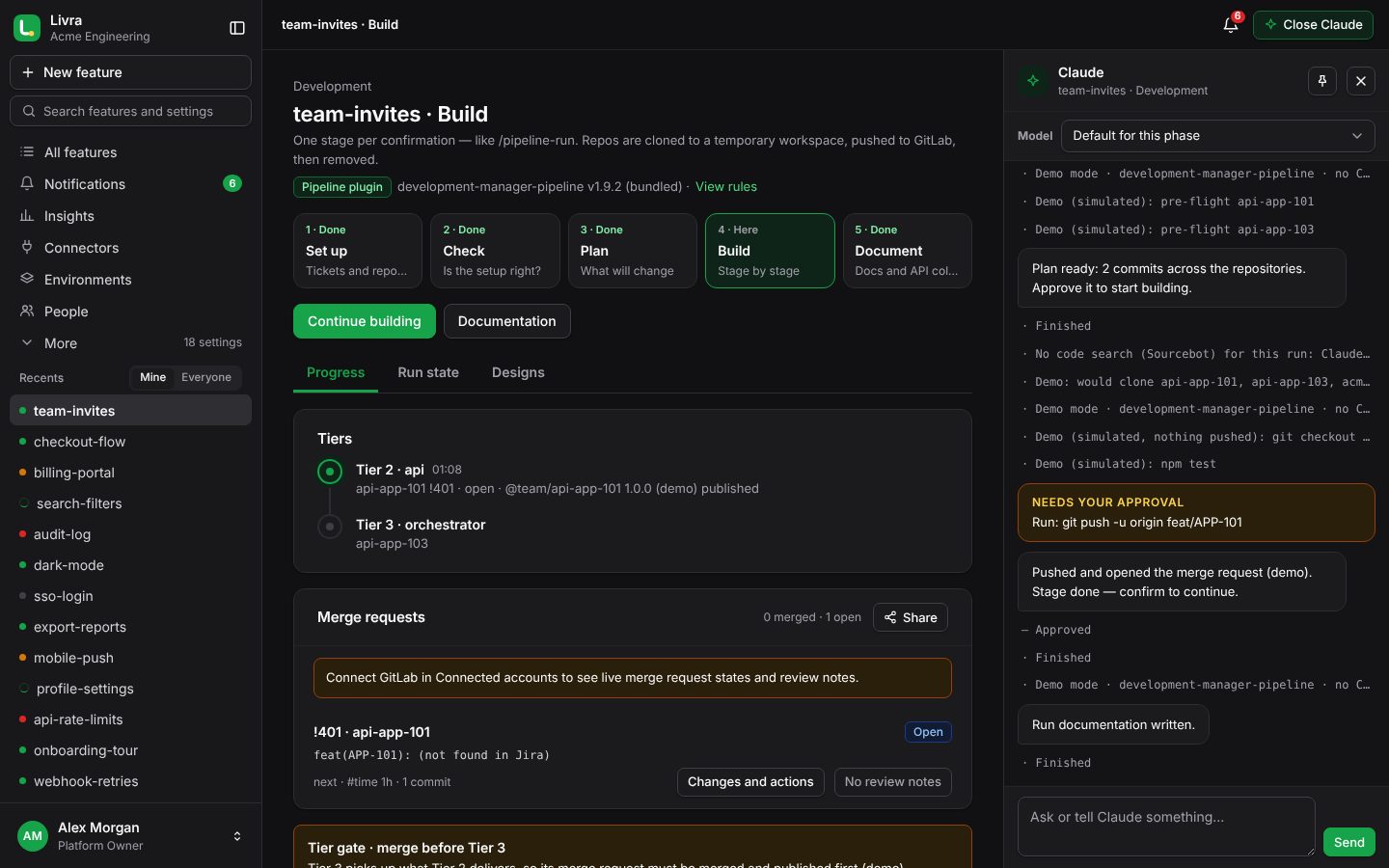
  • Merge, close or delete merge requests in the app, within your rules
  • Pipelines and required approvals respected
  • Development, staging and production passes
Built stage by stage, pushed only with your approval Built stage by stage, pushed only with your approval
Document

Documentation that writes itself

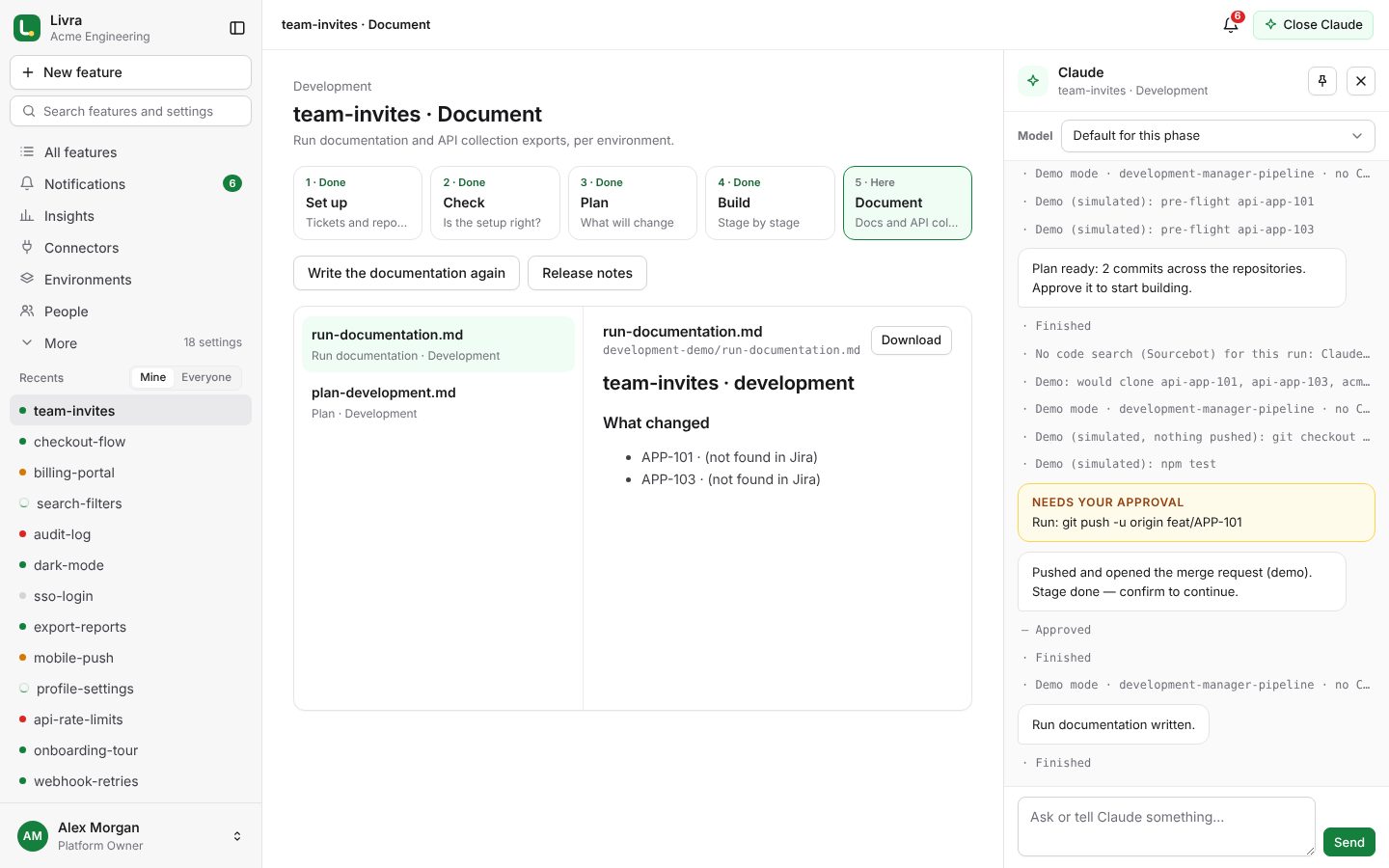
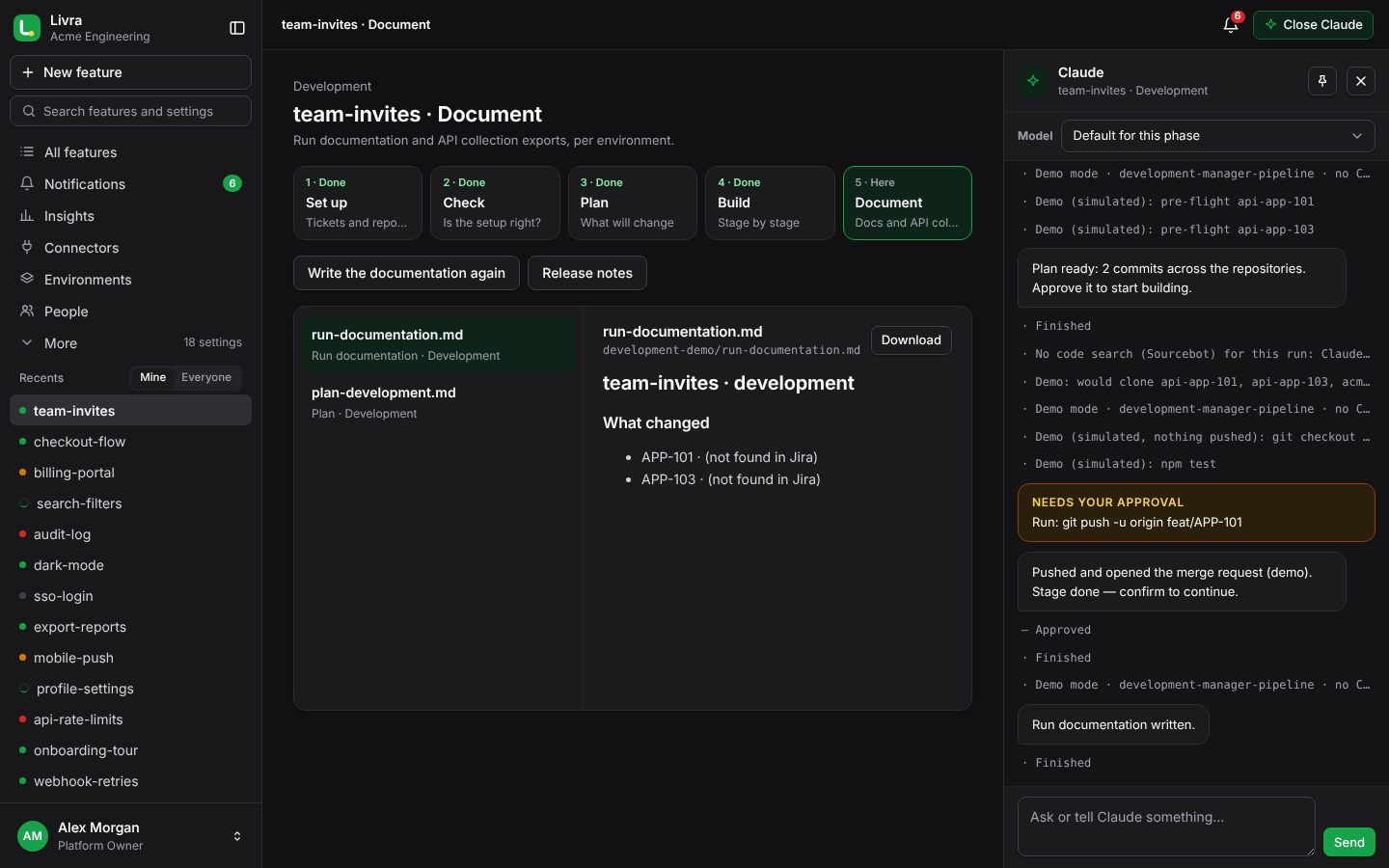
At the end of a run Claude writes the run documentation, a report and API collections (Insomnia, Hoppscotch), stored with the feature and ready to share.
  • A shareable summary for each environment
  • Time logged per environment, from your estimates
  • Everything kept with the feature
Documentation that writes itself Documentation that writes itself
Without an issue tracker

No Jira? Describe the change

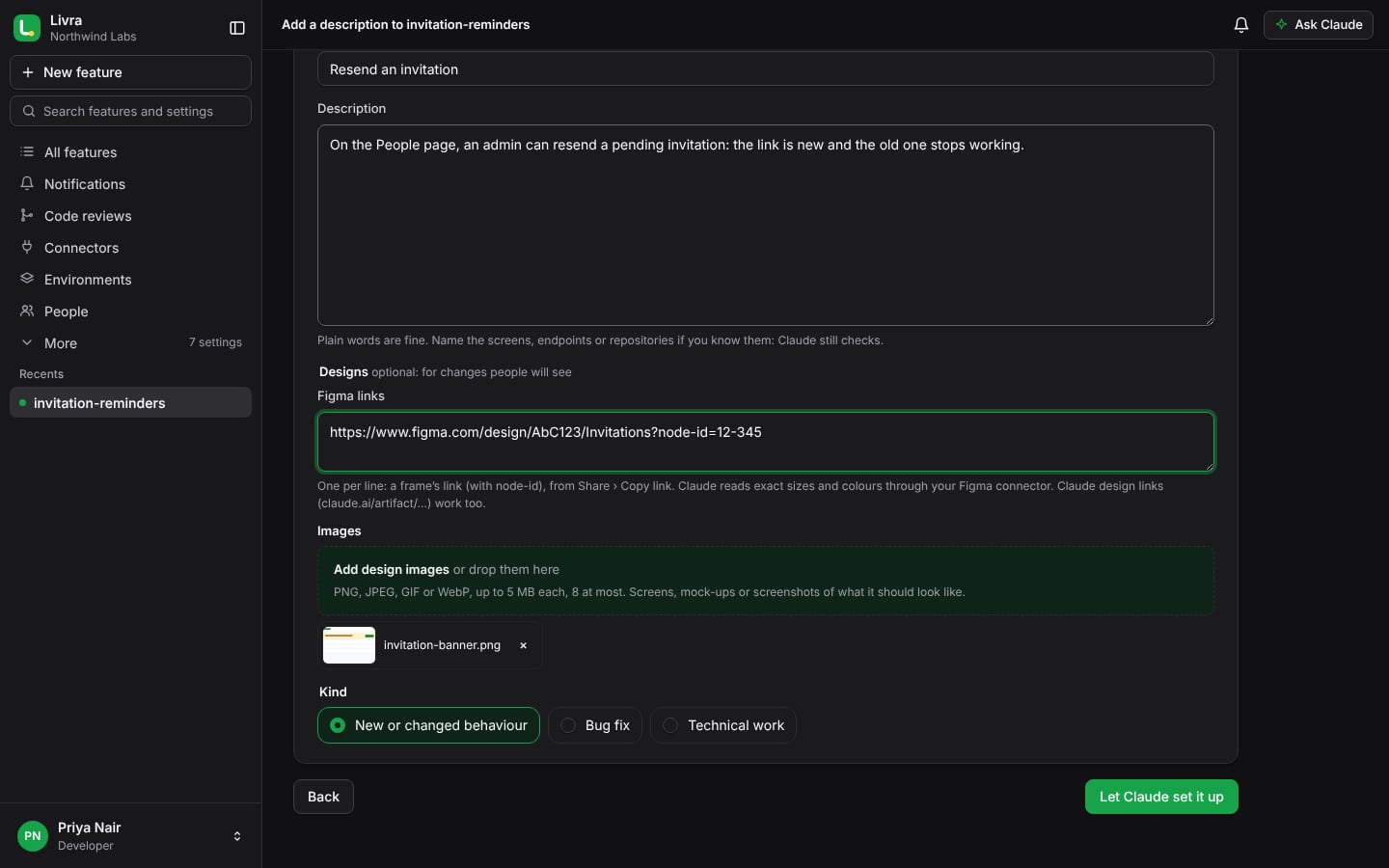
Not every team uses Jira or Linear. Start a feature by writing what should change, in plain words. Claude reads it, finds where the code lives, asks when it isn’t sure, and goes on to plan, build and document as usual.
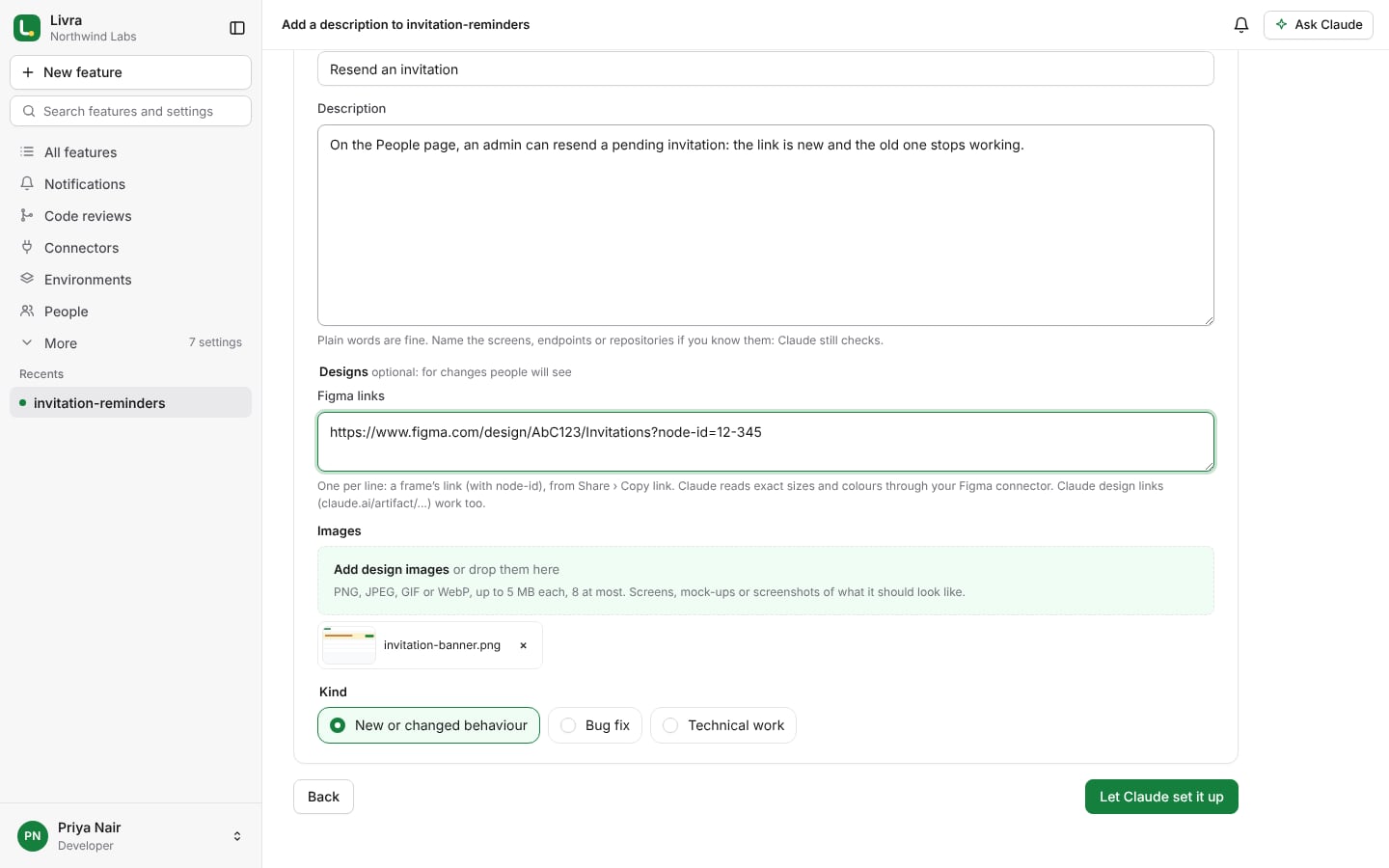
  • Each description gets a key your organisation numbers itself, used in branches and commits
  • Add another description to a feature later; each run works only on the ones you tick
  • The earlier descriptions stay listed, like tickets, with what each one asked for
  • Attach the design: Figma links, or images of what it should look like
Describe the change: a new feature without an issue tracker Describe the change: a new feature without an issue tracker
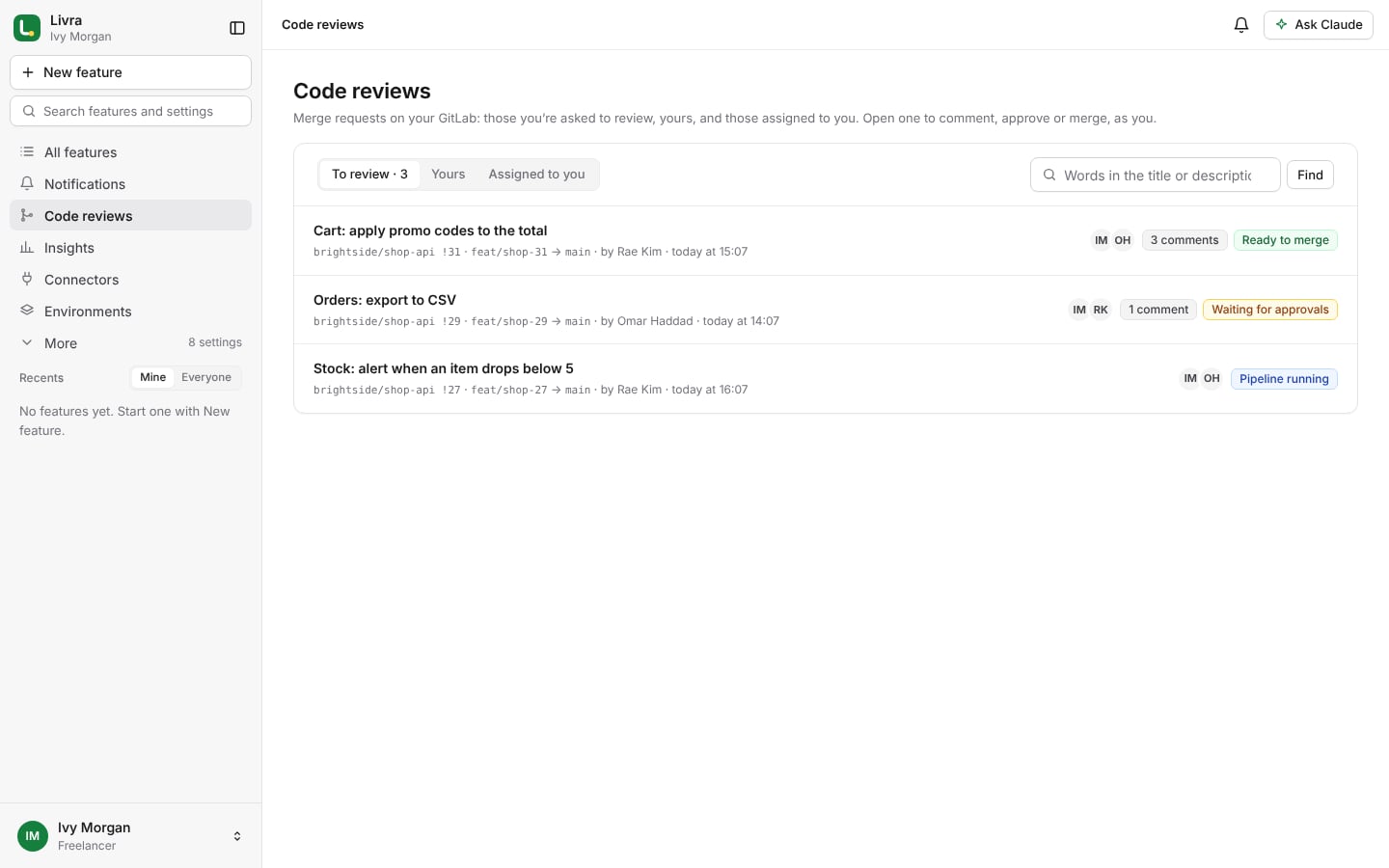
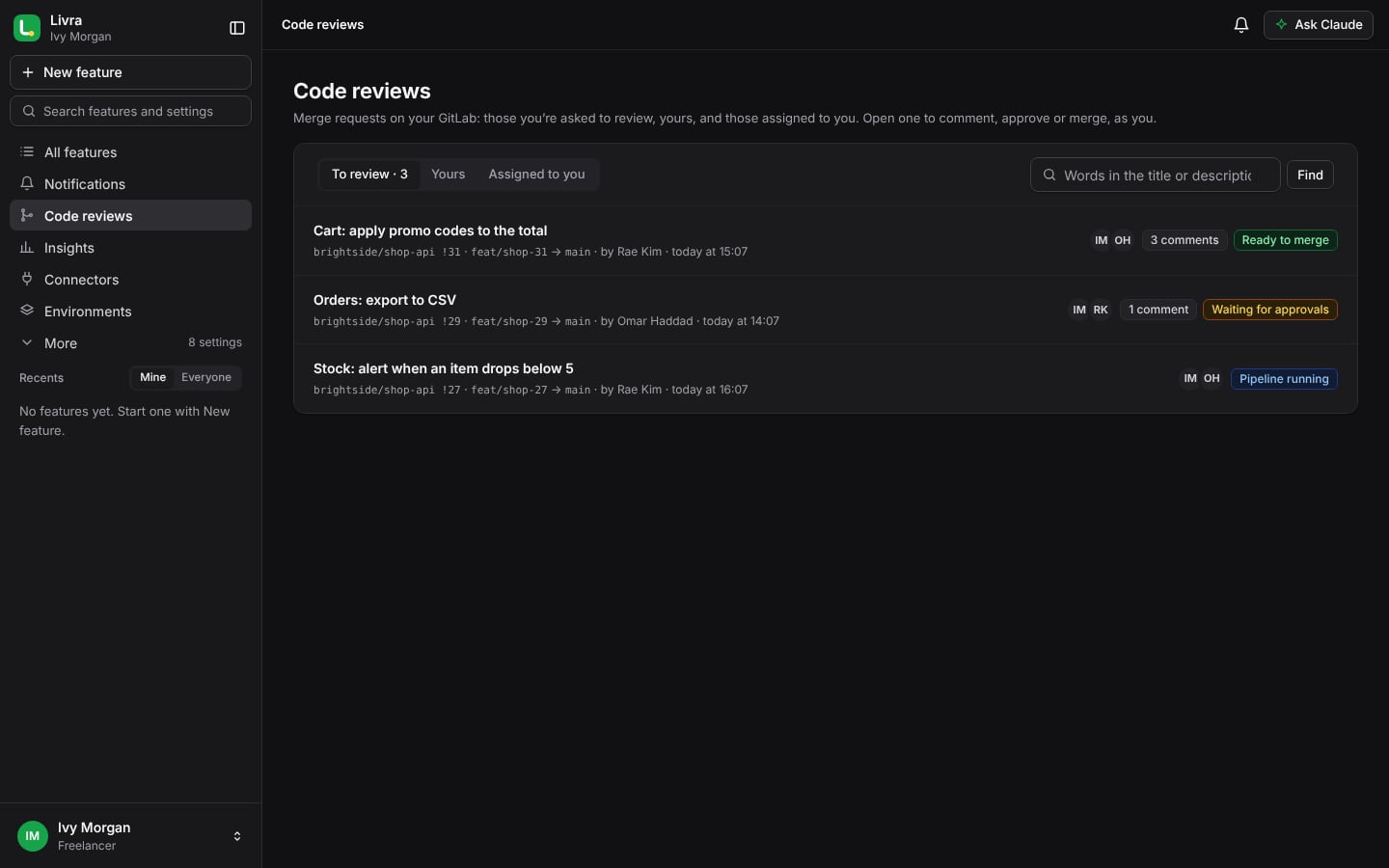
A freelancer’s code reviews, on their own GitLab A freelancer’s code reviews, on their own GitLab
For freelancers

Your own workspace, your own GitLab

Work on your own, outside any organisation. Connect your GitLab, your code search and your Claude account; Livra works with them. Code reviews and merging happen as you on GitLab, so your GitLab access decides — Livra never lets you do more.

  • The merge requests you’re asked to review, yours, and those assigned to you
  • Comment on a line, approve, pick reviewers and merge, as you
  • A client invites you? Join as a Developer; your workspace waits for you
Livra Claude

No Claude account? Use prepaid credit

Bring your own Claude account, or, when your platform offers it, use Livra Claude: buy credit in advance and Claude works on it. Each run takes its real Claude cost; you top up when it runs out.
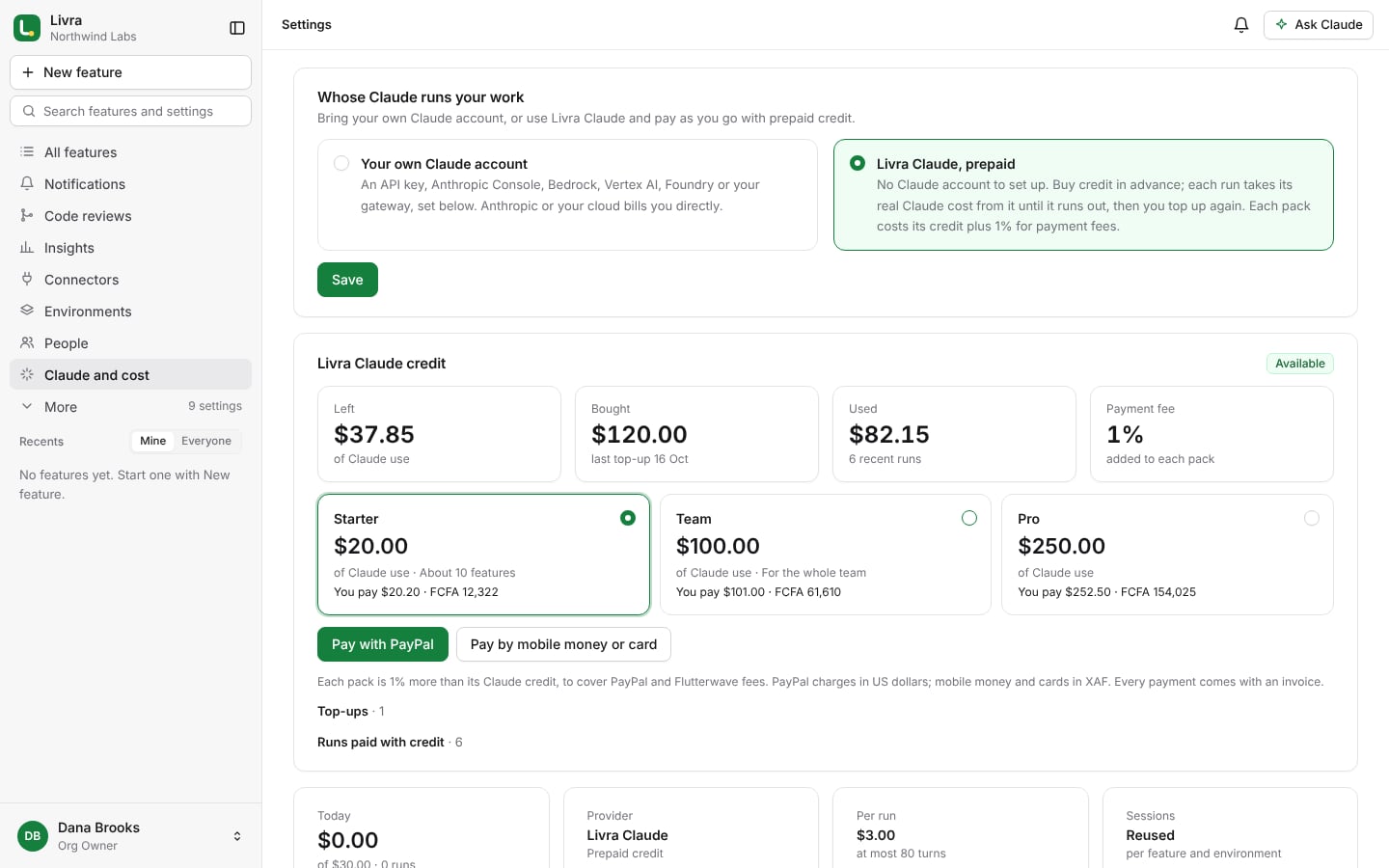
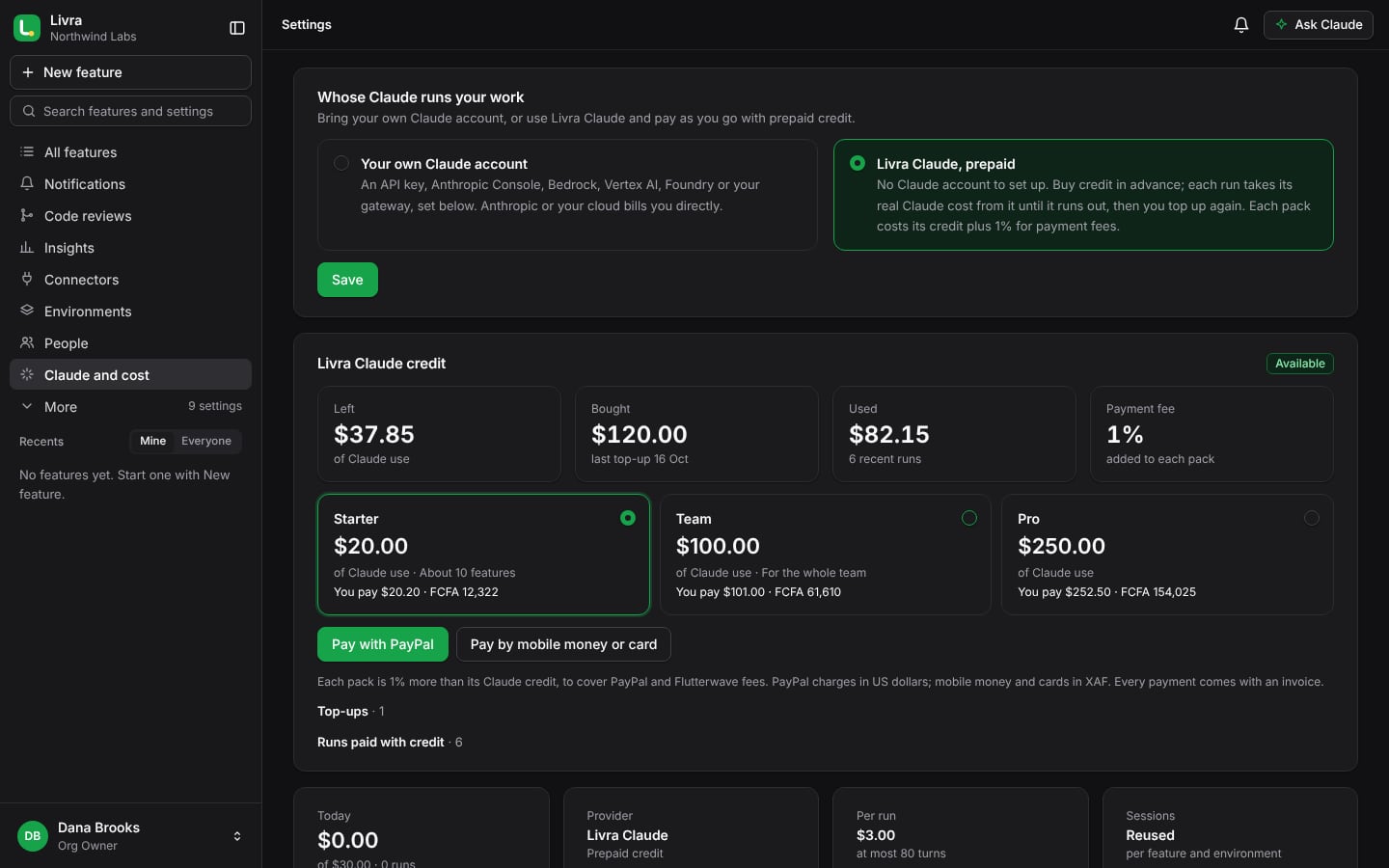
  • Packs of Claude credit, paid with PayPal, mobile money or a card
  • Each pack costs its credit plus 1% for payment fees, with an invoice
  • Told when it runs low; runs stop when it is used up, never beyond
  • Your models, limits and budgets still apply
Livra Claude credit in Settings › Claude and cost Livra Claude credit in Settings › Claude and cost
For organisations

Run by your organisation, its way

People and roles

Invite by email or let your email domain join. Org Owner, maintainers, seniors and developers, each with what they may do — checked on the server for every action.

Code review

Ask colleagues to review a merge request, comment on a line, approve or ask for changes, and merge when your rules are met.

Claude and budgets

Choose how your organisation reaches Claude and which models each phase uses. A daily budget and a cap per run keep costs predictable.

Connectors

GitLab, GitHub, Bitbucket or Azure DevOps; Jira or Linear; Sourcebot, Confluence, Figma, Postman, Hoppscotch, npm, or any MCP server. Each person can use their own accounts.

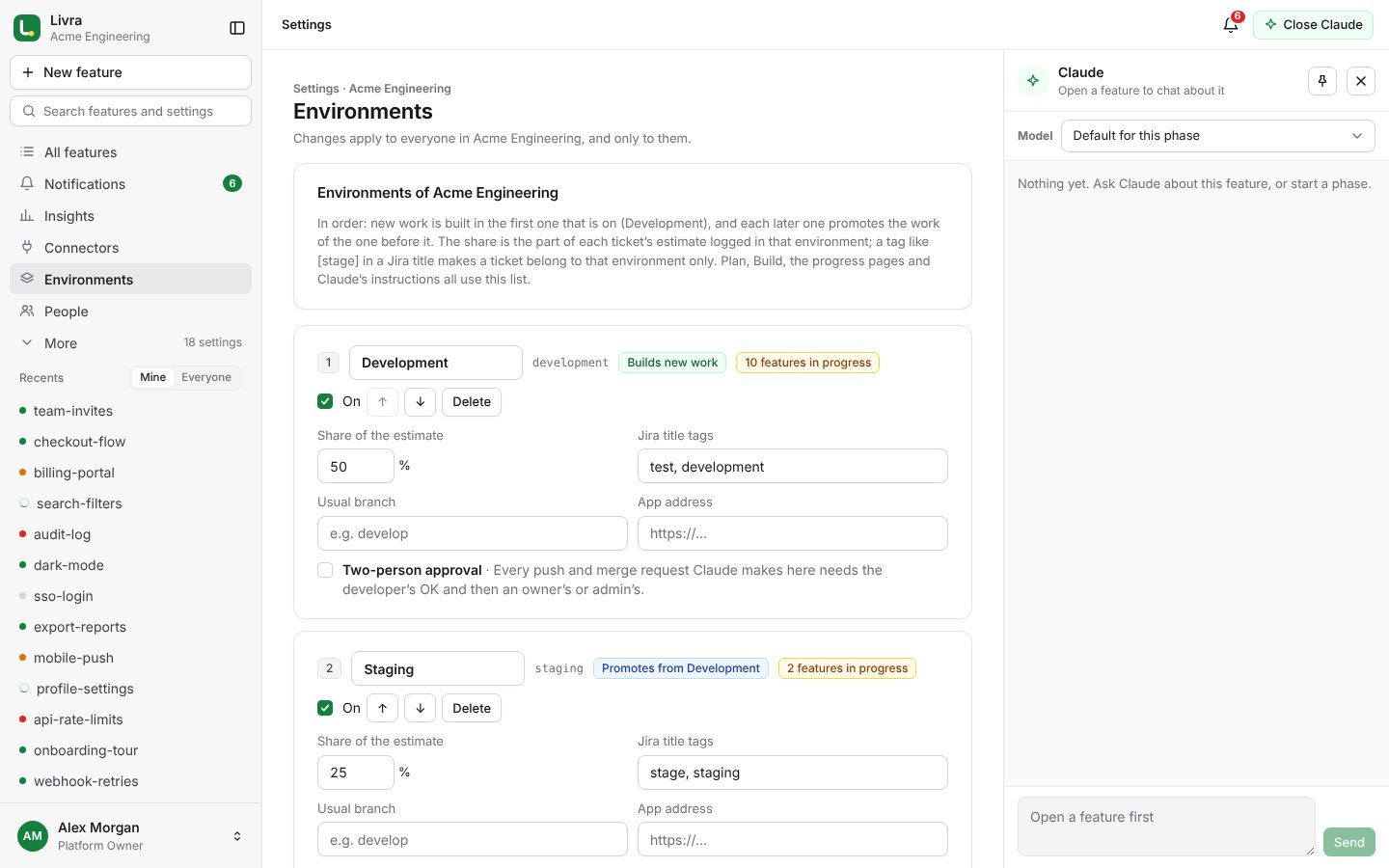
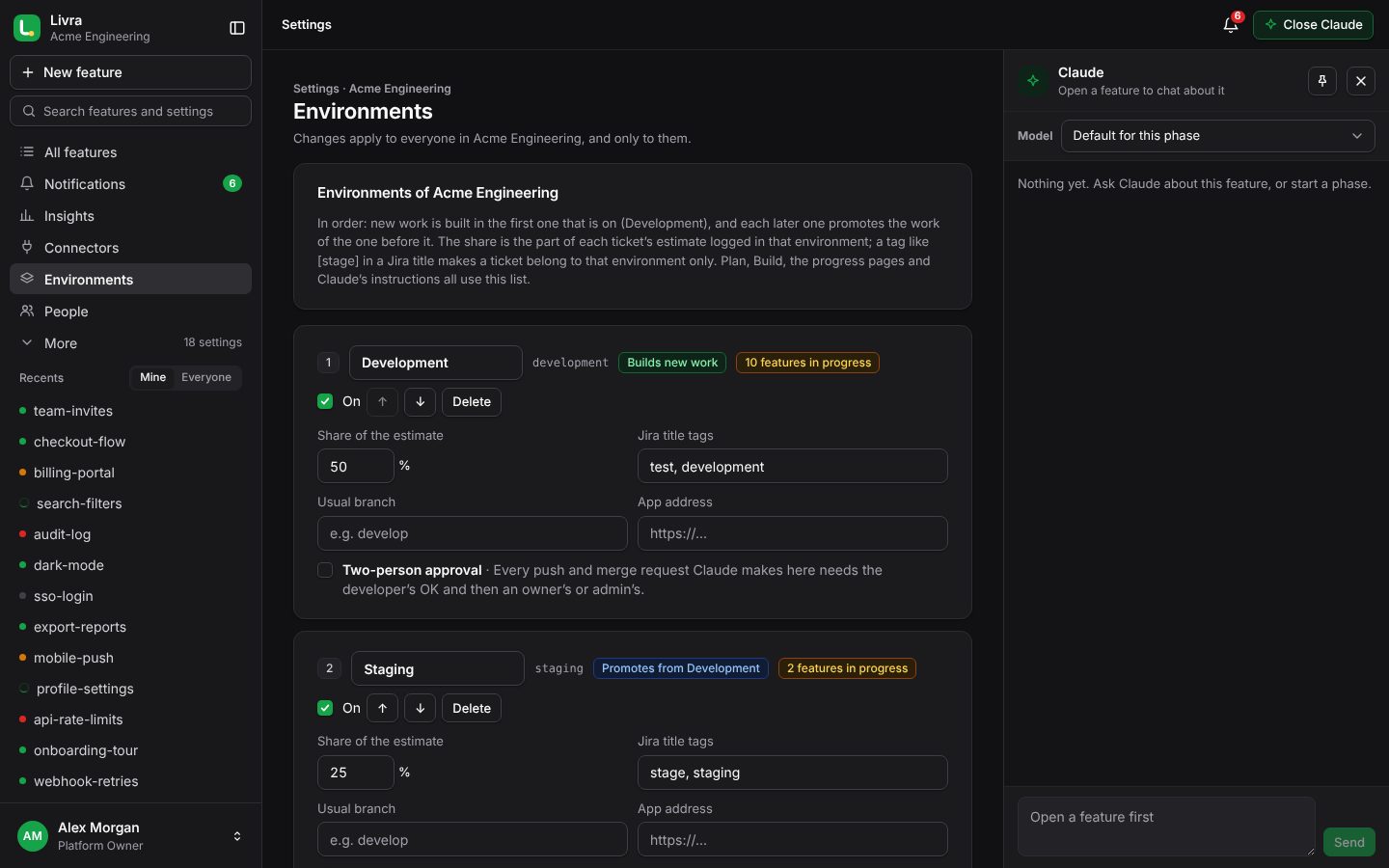
Environments

Your own environments, their order, the share of each ticket’s estimate logged there, and the Jira tags that tie a ticket to one.

Pipeline rules

Read, edit, export or import the rules Claude follows — or let Claude learn your architecture and propose new rules.

Merge request rules

Who may merge, close or delete; which strategies; whether a green pipeline and approvals are required; a second person’s approval for sensitive environments.

Notifications for the team

Each person chooses web push, WhatsApp, Slack, Microsoft Teams or Google Chat; teams get a shared channel for the events they care about.

Webhooks and promotion

GitLab and Jira tell Livra when something changes. When everything of an environment is merged, it suggests or starts the next one and writes the release notes.

Billing your way

PayPal subscriptions, or prepaid months by MTN MoMo, Orange Money and other mobile money or a card. A PDF invoice for every payment.
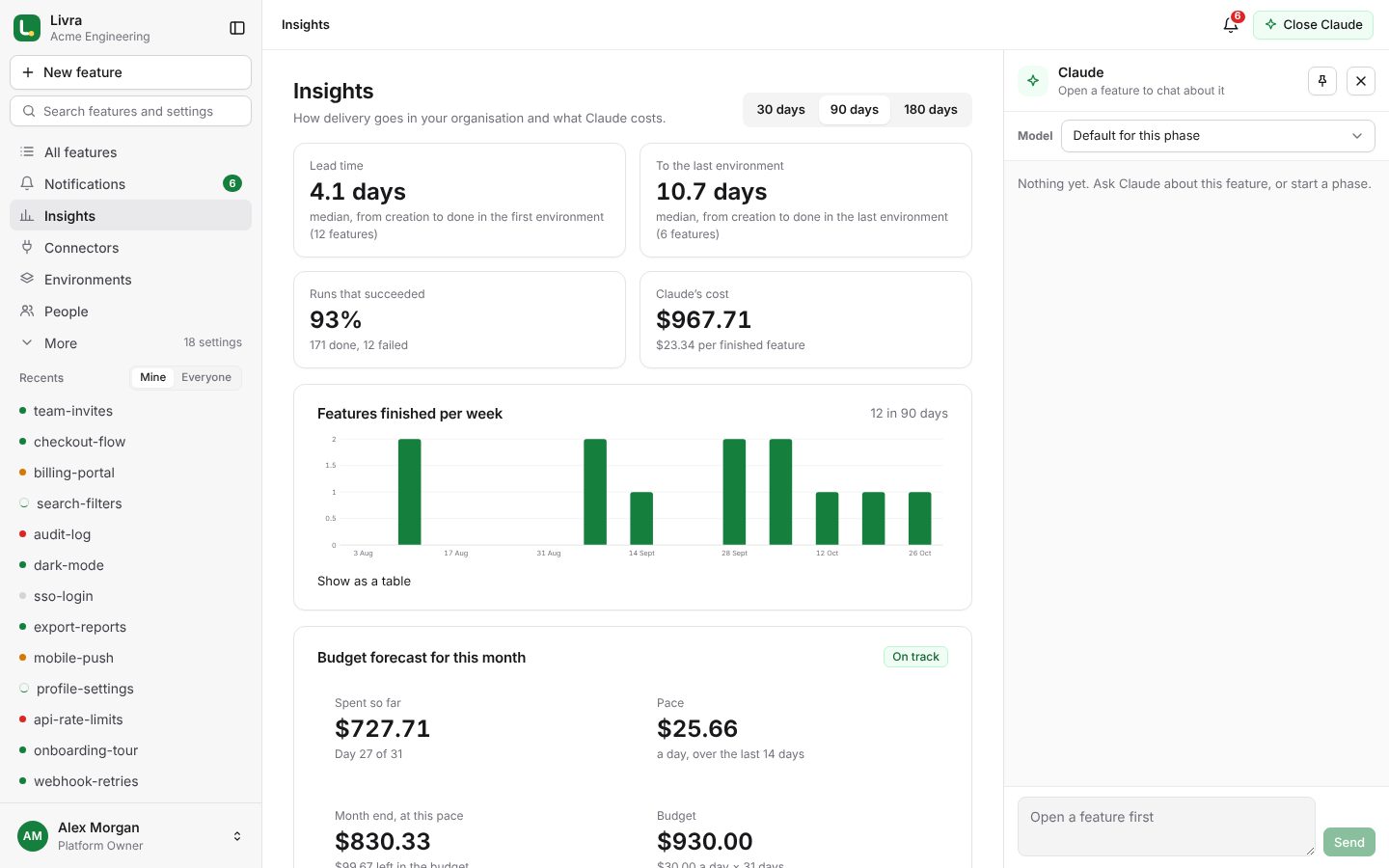
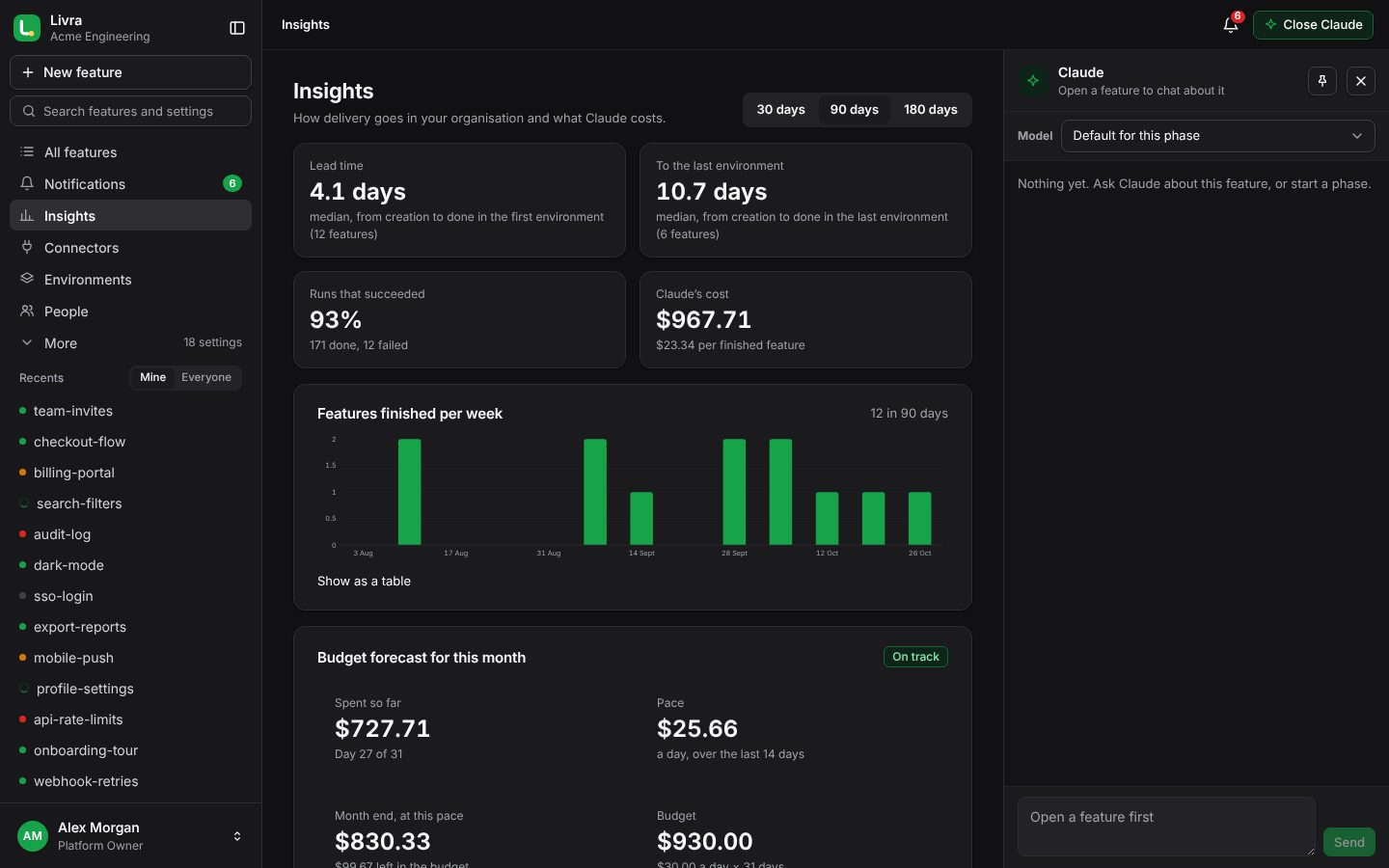
Insights: lead time, success rate, cost and the budget forecast Insights: lead time, success rate, cost and the budget forecast
Insights

See delivery improve, and spending coming

Owners and admins see how long features take from creation to done, how many runs succeed, what Claude costs per finished feature and how many review comments merge requests get — over 30, 90 or 180 days.

  • Features finished per week, and where time goes
  • This month’s budget forecast at the current pace
  • Every chart also as a table
Security

Designed so that Claude can’t go further than you allow

What Claude can’t do

  • Merge or approve a merge request
  • Force-push, or push without a person’s approval
  • Publish packages
  • Use another organisation’s keys, connectors or code

How your data is protected

  • Keys and tokens encrypted at rest; only their last four characters are ever shown
  • Temporary workspaces, removed after each run
  • Two-step verification, Google and GitLab sign-in, sign-in limits
  • An audit trail of settings, approvals and merge request actions

Your identity provider, your networks

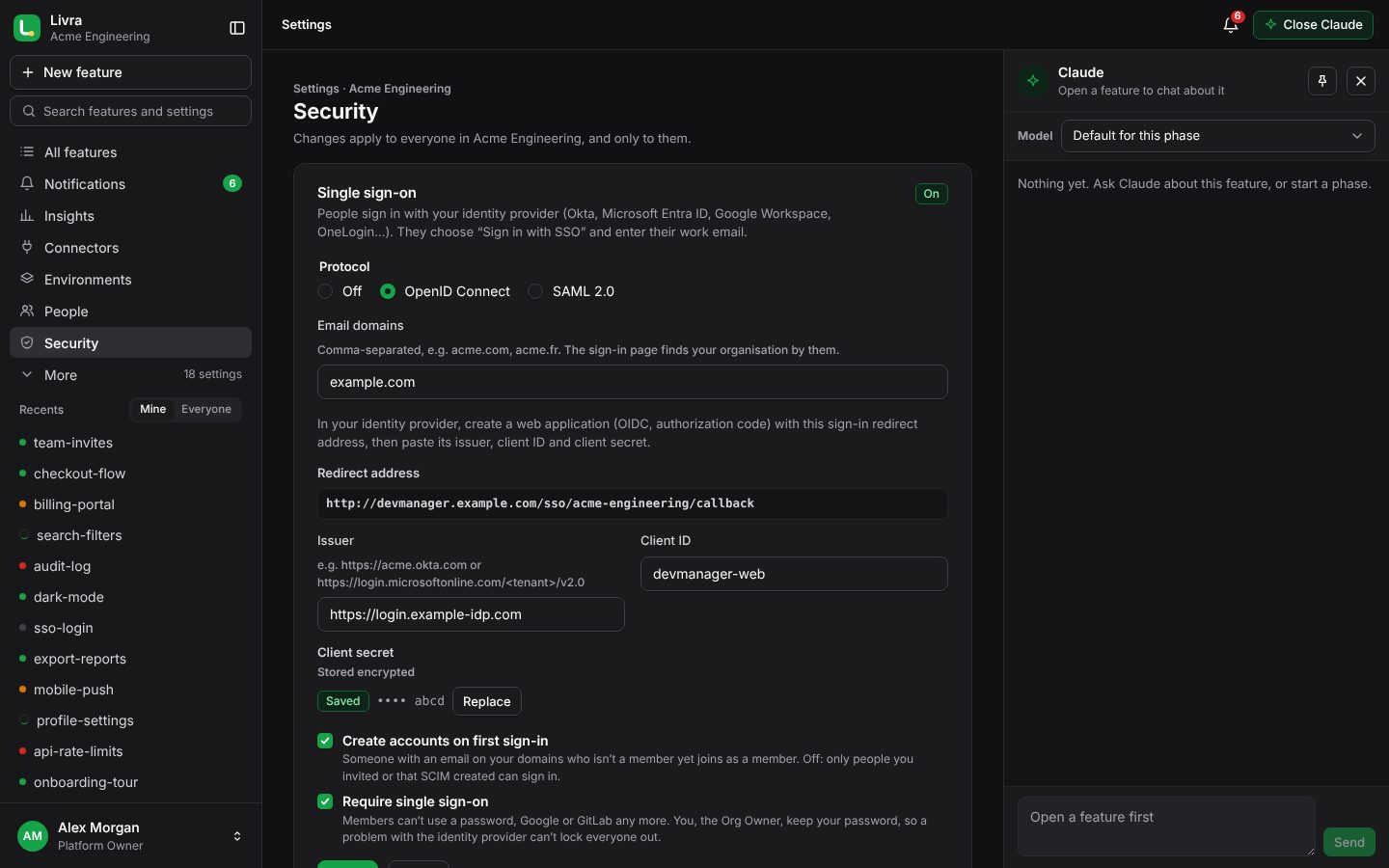
  • Single sign-on with OpenID Connect or SAML 2.0: Okta, Microsoft Entra ID, Google Workspace, OneLogin, Keycloak
  • SCIM provisioning: people are added, updated and deactivated by your identity provider
  • Require single sign-on, with a break-glass password for the Org Owner
  • Require two-step verification for everyone, with a few days to set it up
  • An IP allow-list for your offices and VPN
  • See who is signed in, and sign anyone out
  • Download the audit log as CSV or JSON lines
  • Encryption keys rotated without downtime
Settings › Security: single sign-on, SCIM, sessions and the audit log Settings › Security: single sign-on, SCIM, sessions and the audit log
Hosted for you

Nothing to install, nothing to maintain

Sign in from any browser. We run the service: HTTPS, encrypted secrets, daily backups and updates. Your code stays in your GitLab; Livra only works in temporary copies.
  • Works in any modern browser, and installs as an app
  • Tested with about 300,000 features and 5,000 people
  • Your organisation’s settings and data are its own
Organisation settings Organisation settings

See it on your own tickets

A 30-minute demo with your Jira and GitLab, or bring your whole organisation onto the platform.